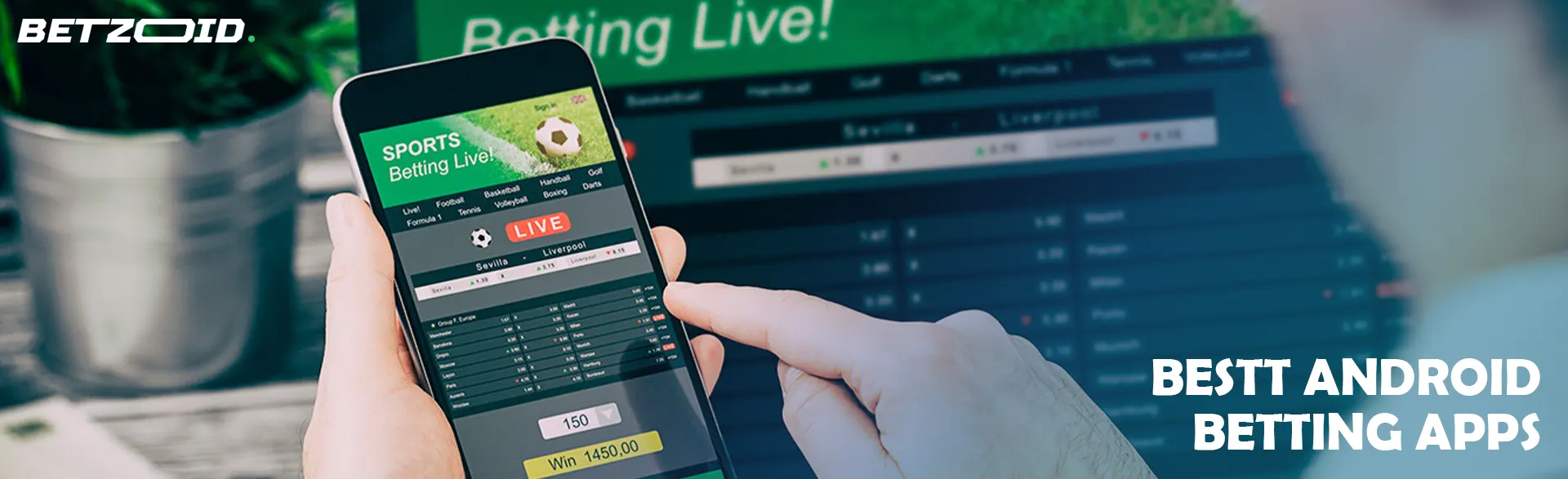

Betting apps for Android arrive by two different routes, and the route matters more than the icon on your home screen: most large bookmakers now sit on Google Play, while a small group still asks you to download an installation file straight from their own website. The Play route updates quietly in the background; the direct download route leaves you managing versions yourself and toggling a security setting you should switch back the moment you finish.
Everything else is detail you can verify before you install anything. The Betzoid team works from published sources — Gambling Commission register entries, store listings, bonus terms and banking pages — because those are the same things you can check in ten minutes on your phone. What follows covers how the two install routes compare, what separates a properly built app from a shrunken website, how live streaming and in-play markets actually work for UK accounts, and where the small print on app-claimed welcome offers bites.
Top Betting Apps for Android (October 2026)










Android Betting Apps at a Glance
Every UK bookmaker app is free to download — the cost only begins when you deposit. Before you compare interfaces, it helps to know what the category has in common:
- Price: these are free betting apps for Android in every case. Downloading, browsing markets and holding an unfunded account cost nothing, and no operator charges for the app itself.
- Licensing: any app you use from the UK should belong to a Gambling Commission licensee. The licence number usually sits in the app footer or the About screen and can be matched against the public register.
- Distribution: most licensed UK bookmaker apps for Android are listed on Google Play, while a minority still distribute an APK file from their own domain.
- Features: bet builder, cash out, live scores, push alerts, biometric log-in and deposit limits are now standard. Screen space, not functionality, is the main compromise against desktop.
- Payments: debit cards, PayPal, Apple Pay, Google Pay and open banking transfers are common. Credit cards have been banned for gambling in Great Britain since April 2020, so no app should offer one.
Those shared basics leave the real differences in odds depth, streaming rights and payout handling rather than in the download itself. If you also use an iPhone or tablet, our wider guide to mobile betting apps covers the cross-platform picture.
Google Play or APK Download for Android Apps
Google Play is the sensible default, and for the majority of UK bookmakers it is the only route offered. Choosing to download betting apps for Android as an APK is a decision you should make deliberately, not because a pop-up suggested it. The practical differences look like this:
| Aspect | Google Play install | Direct APK download |
|---|---|---|
| Source checking | Developer name, install count and reviews are visible before you tap install | You verify the domain yourself by typing the bookmaker's address |
| Updates | Automatic in the background, including security patches | Manual; you re-download each new version |
| Phone settings | No changes needed | Requires permission to install unknown apps from your browser |
| Clone risk | Lower, though name-alike listings do appear in search results | Higher if you arrive via an advert or a mirror site |
| Removal | Uninstall like any other app | Same, but remember to switch the install permission back off |
What the table cannot tell you is that a Play Store listing is not a licence check. Google enforces its own gambling policy and geo-restricts listings, but the only proof that an operator may legally take your bet is the Gambling Commission register. Equally, the absence of an app from Play does not automatically mean trouble — some long-running brands simply never migrated their build. Verify the licence first, then pick the install route.
Installing Safely From Google Play
Finding betting apps for Android on Google Play takes under two minutes if you follow the order below:
- Search the bookmaker's exact brand name rather than a generic term, and open the listing whose developer name matches the company behind the website.
- Cross-check the listing link from the operator's own site — most publish a direct Play Store button on their mobile homepage.
- Read the requested permissions. Location, storage and camera are expected for geolocation and ID uploads; contacts or SMS access is not.
- Install over Wi-Fi, then open the app and confirm the licence details before you register or deposit anything.
APK Files and Unknown Sources
An APK install is only as safe as the page you downloaded it from. Type the bookmaker's address into your browser manually instead of clicking an advert or a search result, because spoofed domains target exactly this moment. Android will ask for permission to install unknown apps from that browser; grant it, complete the install, then revoke it in Settings so nothing else can use the same door. After that, updating is your job — an APK build will not refresh itself, and an outdated version can quietly lose access to newer payment methods or promotions.

How to Judge an Android Betting App
Judge an app on the five minutes around placing a bet, not on the store rating. Ratings blend complaints about payouts with complaints about a crash on one handset, so they tell you little about daily use. These checks are more useful:
- Licence and player tools: a Gambling Commission licence number that matches the register, plus deposit limits, reality checks, time-outs and self-exclusion reachable in two or three taps from the account menu.
- Market depth for your sport: some apps trim bet builder options or antepost racing markets that the desktop site carries. Check the exact competitions you bet on, not the headline sport list.
- Bet slip behaviour: how it handles price changes matters. Look for a setting that accepts higher odds automatically but asks before accepting a drop, and see whether cash out stays available in-play.
- Video and stats: confirm what is streamed, what is only a match tracker, and what conditions unlock either. This is where apps differ most.
- Banking clarity: published withdrawal methods and processing windows on the payments page, and whether the same method you deposited with can be used to withdraw.
- Stability and weight: recent update dates on the store listing suggest active maintenance; an app last touched a year ago rarely handles a busy Saturday well.
Those criteria cut across the whole market, and single-brand write-ups such as our Grosvenor Sport review work through them one operator at a time. Two apps with identical star ratings can score very differently once you apply them.
Live Streaming and In-Play Betting
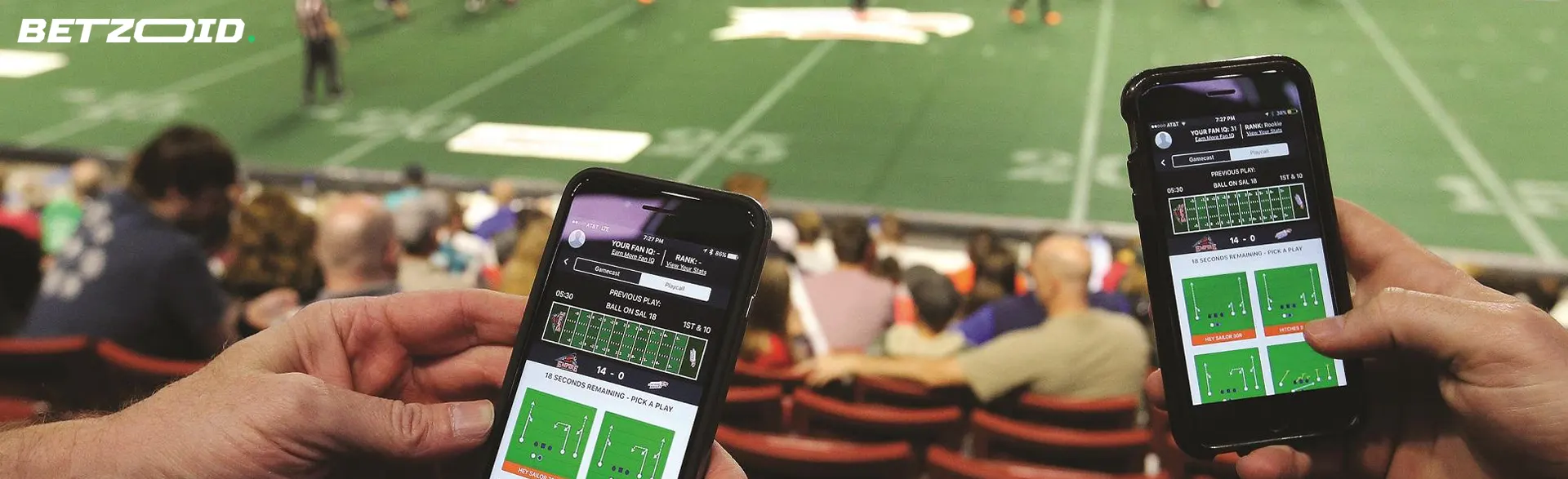
Android betting apps with live streaming almost always attach conditions: a funded account, or a qualifying bet on the event, often placed before the off. Coverage is also shaped by UK broadcast rights. Horse racing and greyhounds are widely streamed, which is why horse racing betting apps for Android tend to be the most video-heavy category, while Premier League football is generally unavailable and Saturday 3pm kick-offs are not shown at all. In-play apps handle suspensions differently too — check how quickly markets reopen after a goal, since that gap decides whether a live price is reachable.
Withdrawal Speed and ID Checks
Verification, not payment technology, usually causes the wait. UK licensees must confirm your age and identity before you gamble, and will ask for photo ID and proof of address if the automatic database check cannot match you. Upload both when you open the account rather than when you want your winnings. After approval, e-wallets are typically the quickest published option, with debit card returns quoted in banking days. Every operator on the Gambling Commission register is also connected to GamStop, which is what separates them from bookmakers outside that scheme.
Welcome Bonuses Claimed in the App
Android betting apps with a welcome bonus mostly run the same shape of offer: stake a qualifying bet, receive free bets. A common structure is bet £10, get £30 in free bets at minimum odds of 1/2 (1.50), with the free bets expiring in seven days. The arithmetic people miss is that free bet stakes are not returned. A £30 free bet at 2.00 pays £30 in winnings, not £60, so the headline figure is worth roughly half its face value in cash terms.
Claiming in the app is usually identical to claiming on desktop, with one difference: any promo code has to be entered during registration, and some apps hide that field behind an optional link. Miss it and support can rarely apply the offer retrospectively. Where an offer is genuinely app-only, it tends to be a smaller free bet or a price boost pushed through notifications, which means enabling alerts is part of the deal. Read the qualifying-bet rules as well — cashed-out bets and bets placed at shorter than the minimum price frequently fail to trigger anything, and promotions change without notice, so treat any figure you see advertised as something to confirm in the terms.
Phone Requirements, Storage and Data Use
Most current UK betting apps for Android phones target reasonably modern builds of the operating system, typically Android 8.0 or later; the store listing states the minimum under app info, and an older handset will usually be steered to the mobile site instead. That fallback still works, it simply loses biometric log-in, push alerts and offline bet slip building.
Storage is rarely the issue at install — most listings show download sizes comfortably under 200 MB — but cached graphics, results and bet history grow over the following weeks. If you keep three or four apps to compare prices, clearing cache occasionally is easier than uninstalling the one you use least. Data is the bigger consideration. Odds updates are light, yet video is not: half an hour of in-app racing coverage can move a noticeable chunk of a monthly allowance, depending on the quality the app selects. If you stream on 4G or 5G regularly, look for a quality setting inside the video player, and let large app updates wait for Wi-Fi rather than downloading them on the train.
Where Android Apps Fall Short
An app does not improve the price you get. The odds are the same ones on the website, so the convenience of one-tap betting can quietly cost you money if it stops you checking whether another firm is paying more on the same selection — shopping around for the best odds remains the habit with the clearest financial return, and no single app can do it for you.
Some functions also stay thinner on mobile. Full account statements, promotion archives and detailed settlement histories are often easier to read on desktop, and a handful of niche markets never make it into the app navigation even when they exist on the site. Then there is the design pressure: push notifications, boosted-price alerts and quick-deposit buttons all exist to shorten the gap between an impulse and a stake. That is fine when you are betting to a plan and awkward when you are not. The counterweight is built in — deposit limits, time-outs and notification controls sit in the same app — but you have to set them yourself, ideally before the first busy weekend rather than after it.
Matching an App to How You Bet
The right app depends on the kind of bet you place most often. If you build weekend accumulators, prioritise a bet builder that saves selections and a clear cash out display, since that is where most of your screen time goes. If you bet during matches, the reopening speed of suspended markets and a reliable live tracker matter more than bonus size — that responsiveness is the single feature that separates competent in-play apps from the rest.
Racing punters should weigh streaming access and market coverage first, because video and early prices are the everyday advantage. Value hunters who hold several accounts are better served by two lightweight apps plus a browser tab than by five installs competing for storage. Anyone put off by paperwork should note that full identity checks are unavoidable at a UK licensee, whatever the quick-registration bookmakers promise. And if you want the fastest possible turnaround, choose on the basis of verified identity and a withdrawal method the operator publishes as same-day, which is what actually makes betting apps for Android with fast withdrawals live up to the phrase.
Install route, licence and payout handling decide more than interface polish: Google Play keeps an app patched without effort, the Gambling Commission register confirms who you are actually betting with, and completing ID checks early removes the most common cause of a slow payout. Pick from the licensed operators compared on this page, then spend five minutes inside the app checking the bet slip, the streaming conditions and the banking page before your first deposit. Set your deposit limit while you are in there — it takes seconds in the account settings and it is far easier to do before a busy Saturday than during one.